Winter Desk Lighting: How to Work Through Dark Afternoons Without Screen Glare
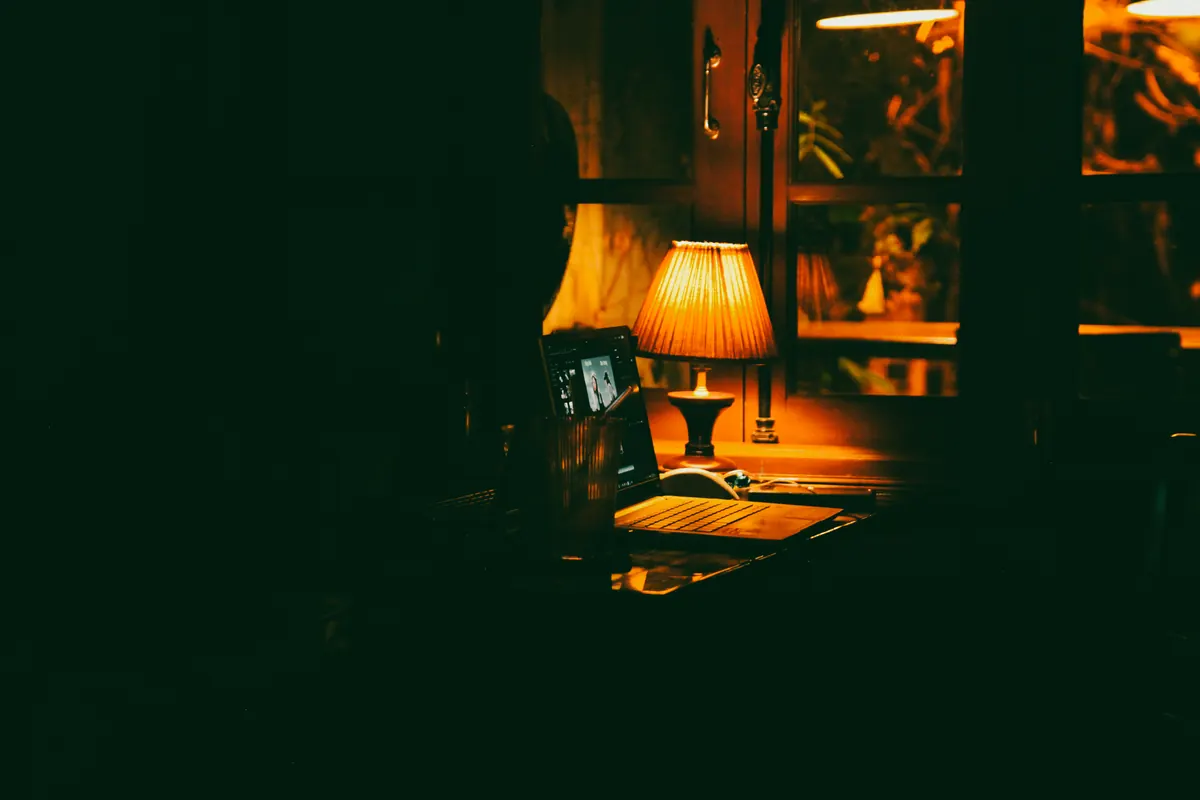
By four o'clock in December, a home office can go from perfectly workable to gloomy in about twenty minutes. You switch on the desk lamp, and suddenly the screen is a mirror, your notebook is in shadow, and the corner of the room has turned into a cave. Most people respond by buying a brighter bulb. That usually makes it worse.
Good winter lighting isn't about raw brightness. It's about where the light comes from, how warm or cool it is, and what it reflects off. Here's how to sort all three before the next dark stretch arrives.
Start With the Room, Not the Lamp
Before you shop for anything, find out what's actually dark. Walk into your office at 3:30 on an overcast afternoon, sit in your chair, and look around. Can you read handwriting on paper? See the keys on the keyboard? Is the wall behind your monitor a black rectangle or just dim?
Write down the three things that are hardest to see. That list tells you where light needs to go, and it's usually not where the overhead fixture is pointing.
Winter daylight behaves differently from summer light, too. The sun sits low, so it arrives at a shallow angle that slides under blinds and lands directly on screens and glossy desk surfaces. A single ceiling fixture, meanwhile, drops light straight down: bright on the top of your head, dim everywhere else. Combine the two and you get the classic winter problem — a room that feels dim overall but still manages to throw a glare stripe across the monitor.
Build Three Layers Instead of One Bright Bulb
Layer lighting the way you'd light a living room, just with a tighter focus on the work surface.
- Ambient. A ceiling fixture, floor lamp, or wall washer that lifts the whole room out of shadow. Aim it at a wall or ceiling rather than at your face — bounced light is softer and casts fewer hard shadows.
- Task. A desk lamp with an adjustable arm, positioned to light the paper, notebook, or keyboard you're actually using. This is the lamp that does the real work in winter.
- Fill. Something small and low — a strip behind the monitor, a shelf lamp, even a nightlight in the far corner. Its job is to keep the area around the screen from going black, which is what makes bright monitors so tiring.
The contrast rule
Your eyes adjust to the brightest thing in view, not the average brightness of the room. That's why a brilliant monitor against a dark wall feels harsh, and why two lamps at opposite ends of the room are more comfortable than one strong lamp. Keep the range between your screen and your surroundings narrow, and detail work gets noticeably easier.
If you can see the lamp's glowing edge while you're looking at the screen, the lamp is competing with the thing you're trying to read.
Choose Color Temperature on Purpose
Bulbs are sold by color temperature, measured in kelvin. The practical ranges for a home office:
- 2700–3000K — warm, close to an old incandescent bulb. Comfortable for ambient light and evening work.
- 3500–4000K — neutral. The sweet spot for task lighting, especially on paper and keyboards.
- 5000K and up — cool and daylight-like. Can feel clinical indoors, and often looks harsh against wood and warm paint.
The common mistake is mixing extremes. A 2700K ceiling with a 6000K desk lamp makes wood look grey, makes white paper look blue, and makes your eyes work harder than they need to. Stay within one step of each other across the room — 3000K ambient with 4000K task, for example.
As the evening goes on, shift warmer and dimmer. If you're working late and sleep tends to suffer, keep bright cool light to the daytime hours and let the last stretch of the evening run warm and low. If sleep problems persist, that's a conversation for a doctor rather than a bulb aisle.
Getting Rid of Screen Glare and Reflections
Reflections are a geometry problem, and geometry is fixable.
- Turn the desk to the window, sideways. Facing the window means the sky competes with your screen; sitting with your back to it puts the window's reflection right on the glass. Perpendicular — window to your left or right — is the comfortable middle.
- Put the task lamp on your non-writing side. Right-handed? Lamp on the left. Otherwise your own hand throws a shadow over whatever you're writing.
- Get the bulb below eye level. A shaded lamp you can see into is a lamp that glares. If the shade is short, add a diffuser or tilt the head away.
- Kill the shine on the desk. A felt or leather desk pad under the keyboard and notebook removes the biggest reflective surface in front of you.
- Match screen brightness to the room. Nudge the monitor down a step or two in the late afternoon instead of leaving it at its daytime setting.
- Wipe the screen. Dust and fingerprints scatter light across the glass. It takes ten seconds and it's often the cheapest fix on this list.
A Winter Day, Hour by Hour
- Morning. Open the blinds and let daylight lead. Keep the overhead off, or dim it, and run the task lamp at 3500–4000K for anything on paper.
- Midday, even when it's grey. Daylight is still the brightest source in the room. Add task light only where you need precision.
- Late afternoon, around 3:30–4:00. This is the tricky hour. Switch on the ambient layer before the room goes dark, then bring the task lamp up. Doing it in that order avoids the feeling of working under a spotlight in a black room.
- Evening. Drop to warm ambient light, lower the task lamp, and let the fill light behind the monitor do more of the work. If you're only reading on screen, this is often enough on its own.
Small Fixes Worth Doing Tonight
Swap one cool bulb for a neutral one. Move the desk lamp to the other side of the monitor and see whether the shadow on your notebook disappears. Add a matte pad under your hands. Rearrange the desk so the window is beside you rather than in front. Put the ambient light on a dimmer so you can adjust it as the afternoon fades instead of choosing between off and glaring.
None of these require new furniture, and most of them take less time than making a coffee.
Making It Last Through February
The dark months are long enough that lighting is worth setting up properly once rather than fiddling with daily. Take ten minutes at the start of winter to put the three layers in place, note the settings you land on, and then leave them. Recheck in January, when the novelty of the setup has worn off and the afternoons are at their shortest.
If you find yourself squinting, rubbing your eyes, or getting headaches by mid-afternoon despite a sensible setup, adjust the contrast and the glare before you assume it's the work. Persistent eye strain and headaches are worth raising with an optometrist or doctor. Lighting can solve a lot of problems, but it shouldn't have to solve all of them.
Photo: Minh Hải Nguyễn / Pexels