How to Hide Desk Cables Without Drilling Into the Wall
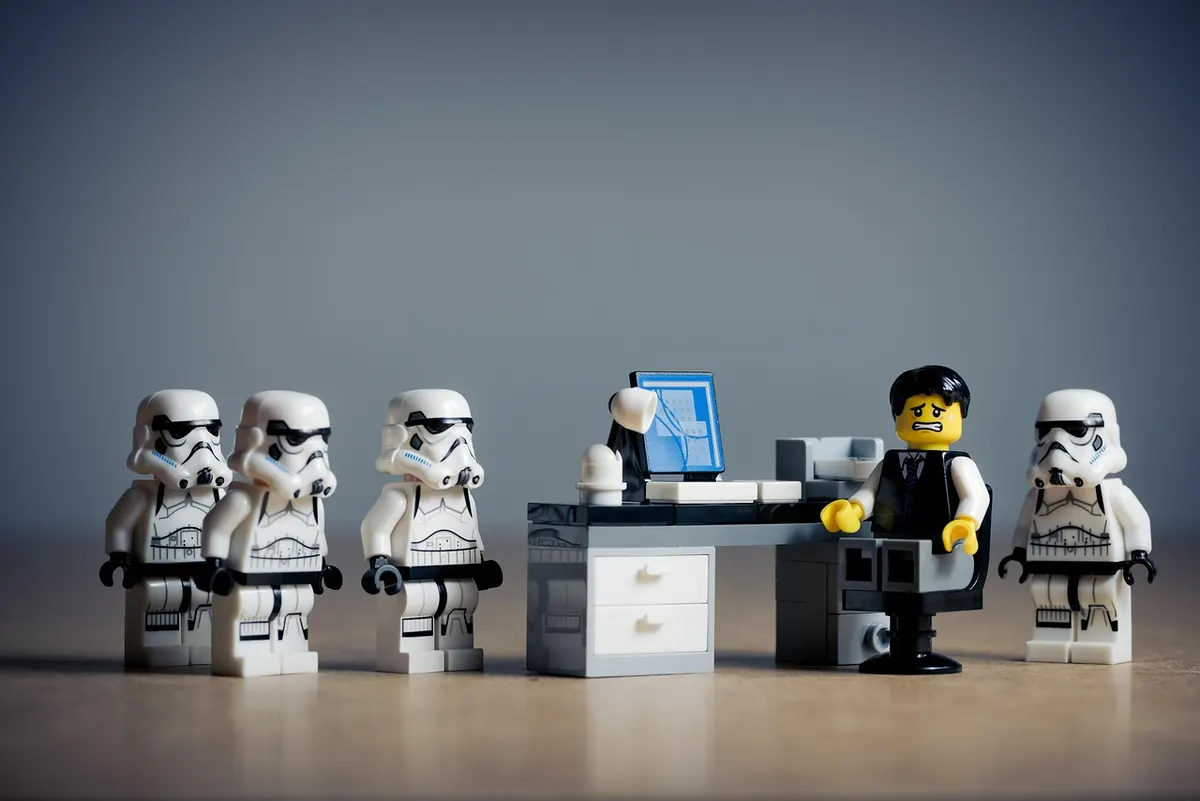
Nothing makes a home office look improvised faster than a nest of cables behind the desk. Nothing makes a landlord angrier faster than a hole in the drywall. The good news is that you can solve the first problem without touching the second.
Every method below attaches to your desk, your baseboard, or the back of a monitor arm instead of the wall itself. The tools are scissors, a cloth, and maybe a screwdriver. The whole project usually takes an afternoon, and you can undo it in ten minutes on moving day.
Start With a Ten-Minute Cable Audit
Before you buy a single clip, unplug everything and figure out what you actually own. It sounds tedious. It saves you from buying organizers for cables you don't need.
- Unplug each device and lay its cable out straight on the floor.
- Sort into three piles: power, data (USB, HDMI, DisplayPort, ethernet), and audio.
- Anything you can't identify gets plugged in and tested. Anything that fails goes in a bag for electronics recycling.
- Measure the longest run in the room, from the farthest device to the outlet, and write the number down.
- Count how many cables need to travel together along the same path.
Two things become obvious fast. You have more cables than you need, and several of them are far longer than the job requires. A three-foot cable is much easier to hide than a ten-foot one, so swapping a few lengths is often the cheapest fix available.
Tame the Mess Under the Desk First
Under-desk trays do most of the heavy lifting. A tray mounted to the underside of the desktop gives you one channel for the power strip, the laptop brick, and the spare cable you keep meaning to use. Mount it toward the back edge of the desk, close enough to reach when you need to plug something in, far enough back that nobody sees it from the doorway.
Look for two styles. Screw-mounted trays are the sturdiest, and drilling into your own desk is a different matter from drilling into a wall — the desk is your furniture and nobody audits it at move-out. Clamp-on and adhesive trays suit glass tops, thin veneers, and any desk that came with the apartment.
If a tray won't fit, a J-channel raceway stuck to the underside of the desktop does similar work for less money. Run the cables in, snap the cover shut, and the underside of the desk goes from rat's nest to clean line.
Adhesive Mounts: Stronger Than You Think, If You Prep Right
Most adhesive clips fail for one reason: the surface. A few habits make the difference between a mount that holds for years and one that drops a week later.
- Wipe the surface with isopropyl alcohol and let it dry completely. Household spray cleaner leaves a residue that defeats the adhesive.
- Press firmly for thirty seconds, then wait a full day before loading it.
- Keep the load light. A clip holds two or three thin cables. A power brick belongs in a tray or on the floor, not swinging from a hook.
- Skip textured walls, brick, dusty baseboards, and freshly painted surfaces. Removable adhesive strips can lift paint that hasn't fully cured.
- Watch the heat. Behind a monitor or above a laptop vent, adhesive softens over time. Use clips there instead of weight-bearing hooks.
Where you'd rather not risk the wall at all, damage-free adhesive strips are the safe default. Test one in a spot nobody will ever look at, then commit.
Sleeves, Wraps, and Ties
A sleeve turns six cables into one, which is the single biggest visual improvement you can make in an afternoon. Zip-up braided sleeves are the easiest to work with and the easiest to reopen when you add a device. Split loom and spiral wrap cost less but take more patience.
For short runs — the few inches between the keyboard and the desk edge, or the loop behind a monitor — velcro ties beat everything. Zip ties are fine for permanent runs, but you will cut them off the moment you swap a monitor. Velcro lets you add a cable in ten seconds.
Three habits keep sleeves useful rather than annoying. Leave a service loop of 15 to 20 centimeters at each end so you can pull the desk away from the wall without unplugging anything. Bundle power and data separately where it's easy, because troubleshooting gets simpler. And never bundle a cable that feels warm to the touch — that's a sign something is wrong, not something to conceal.
Getting From the Desk to the Outlet
This is the stretch people usually solve with a hole in the wall, and the alternatives are genuinely better. Run a vertical adhesive raceway down the back of a desk leg, then continue along the top of the baseboard with a flat, paintable channel that carries the cable to the outlet.
Two cautions here. Don't run cable across a walkway, even under a rug — foot traffic crushes cords and hides damage you can't inspect. And one surge protector with one cord to the wall beats three power strips chained together; if the room genuinely lacks outlets, that's a job for a qualified electrician rather than an extension cord.
If you absolutely must cross open floor, use a rubber cord protector made for the purpose, or move the furniture so the cable doesn't have to travel.
Monitors and Peripherals: The Last Two Feet
The hardest part to hide is always the last few inches at the device. If you use a monitor arm, check for a cable channel before you buy anything — many have one built in. Otherwise, loop the cables into a gentle curve behind the monitor and secure them with a velcro tie where they meet the arm or stand. Leave enough slack that you can tilt and swivel the screen without tugging a connector.
Label both ends of anything you can't easily trace, using masking tape and a pen. Then take a photo of the back of the desk before you bundle it. When something stops working in eight months, that photo will save you half an hour.
The Five-Minute Monthly Reset
Cable management isn't a one-time event. Once a month, spend five minutes on upkeep: press down any adhesive mounts that have started to lift, check that nothing is pinched between the desk and the wall, and route whatever new cable has appeared since last time.
The whole point of this approach is that it's reversible. None of it damages a rental, none of it requires permission, and all of it comes down when you move. If a cord is frayed, cracked, or warm to the touch, replace it rather than hiding it — and for anything beyond plugging devices into a wall outlet, ask a qualified electrician.
Photo: kirill_makes_pics / Pixabay